Epson
 

    AL-C9500DN/AL-C9400DN

    User's Guide

    > Solving Problems > Print Quality is Poor

    Print Quality is Poor

    •  Image
    •  List
      • Printouts are Light, Dark, Faint, or Dirty

      • The Position, Size, or Margins of the Printout Are Incorrect

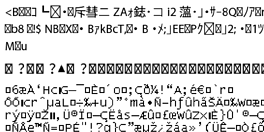
      • Printed Characters Are Incorrect or Garbled
      • Cannot Read Barcodes

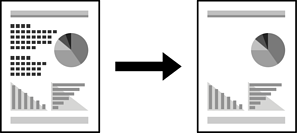
      • Cannot Print in Color

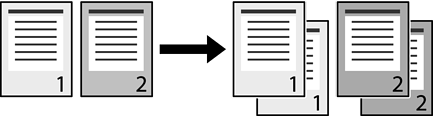
      • Cannot Print Collated Pages

      • Last Page is Printed on Opposite Side in 2-sided Printing

      • The Font Cannot be Printed.

      • Printer Does Not Print Correctly While Using PostScript Printer Driver

      • Print Quality Is Poor While Using PostScript Printer Driver

      • Printouts are Light, Dark, Faint, or Dirty

      • The Position, Size, or Margins of the Printout Are Incorrect

      • Printed Characters Are Incorrect or Garbled

      • Cannot Read Barcodes

      • Cannot Print in Color

      • Cannot Print Collated Pages

      • Last Page is Printed on Opposite Side in 2-sided Printing

      • The Font Cannot be Printed.

      • Printer Does Not Print Correctly While Using PostScript Printer Driver

      • Print Quality Is Poor While Using PostScript Printer Driver

    Print Selected Pages

    © 2020-2025 Seiko Epson Corp.