
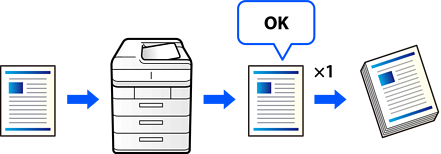
When making multiple copies, you can choose to make only one copy first to check the results. After checking, you can continue copying or cancel the copying process. This helps prevent making too many unusable copies.
Place the originals.
Select Copy on the home screen.
Select the Advanced tab, and then enable Proof Copy.
Enter the number of copies.
Tap  .
.
Check the copy results, and then select whether to continue copying.