
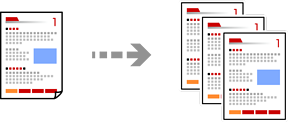
This section explains the steps for copying originals in color or monochrome.
Load paper in the printer.
Place the originals.
Select Copy on the home screen.
Select the Basic Settings tab, and then select Auto, Color, or B&W.
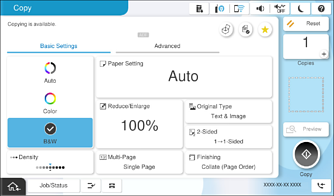
To save the originals to the storage, select  , and then enable File Storing. In Setting, select whether to print and store the scanned data or to save the data only.
Set the number of copies.
Tap  .
.