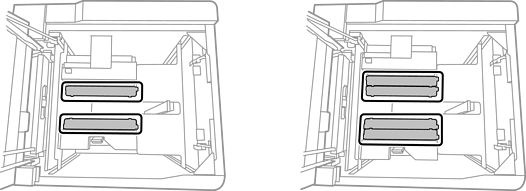
You can load paper by referring to the animated instructions displayed on the printer's LCD screen.
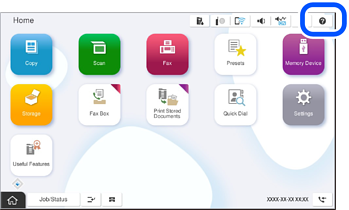
Select  , and then select How To > Load paper. Select the paper source you want to use, and then select How To to display the animated instructions. Select Close to close the animated instructions screen.
Insert and remove the paper cassette slowly. Insert the high capacity tray slowly because the tray is heavy due to the large amount of paper loaded in the tray.
To change the position of the edge guides in the paper cassette, release the lock on the cassette and then move the edge guides. After changing the position, lock the cassette again.
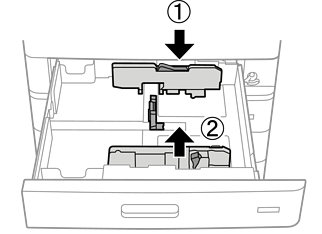
When loading paper in the A3 high capacity tray, place the plates based on the paper size. For example, place two plates for A4 , place four plates for A3, and remove all plates for A5.