
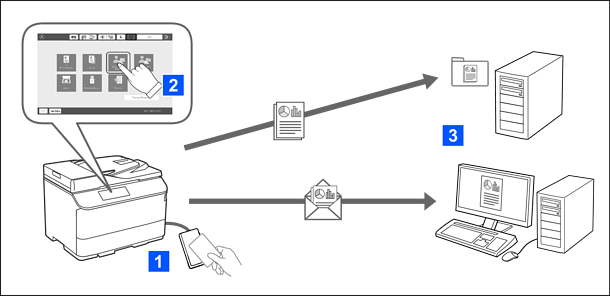
You can use the printer's control panel functions (scanning, copying, faxing, etc.) by logging in to the printer as an authenticated user.
Scanning an original and emailing it to yourself
You can send the scan results to your registered email address.
Scanning an original and saving it to a registered network folder
You can save the scan results to the personal folder named after your user ID under the target folder (network folder or FTP server) registered in Epson Print Admin Serverless, or in a dedicated folder that you can set yourself.