
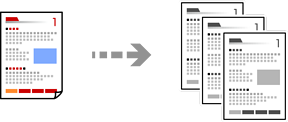
You can copy originals at a fixed size or custom size in monochrome.
Load paper in the printer.
Place the originals.
Select Copy on the home screen.
To save the originals to the storage, select  , and then enable File Storing.
In Setting, select whether to print and store the scanned data or to save the data only.
Set the number of copies.
Tap  .
.