1 Run Epson Smart Panel.

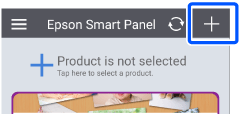
2 Tap + in the home screen.
Note: |
|
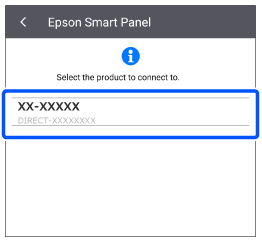
When you run Epson Smart Panel for the first time, any available products are displayed automatically. Tap the scanner you want to use to make your scanner available in the app.
|
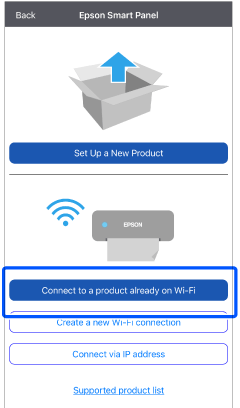
3 Tap Connect to a product already on Wi-Fi.
4 Select your scanner.