在 Epson Smart Panel(爱普生智能面板)上选择扫描仪。
扫描仪连接到无线 LAN 路由器或智能设备后,在
Epson Smart Panel
中选择扫描仪。扫描仪将保存到连接列表中。
1
运行
Epson Smart Panel
。
2
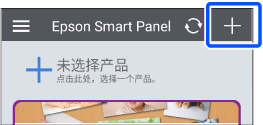
在主屏幕中点击
+
。
注释:
当您第一次运行
Epson Smart Panel
时,所有可用的产品都会自动显示。点击您要使用的扫描仪,使您的扫描仪在应用程序中可用。
3
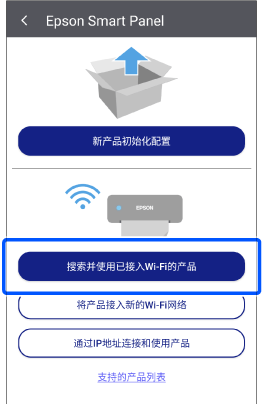
点击
搜索并使用已接入Wi-Fi的产品
。
4
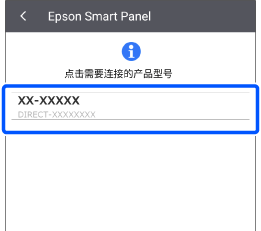
选择您的扫描仪。
您现在可以将扫描仪与
Epson Smart Panel
一起使用。