When the scanned images are smeared or scuffed, clean the scanner glass.
Never use alcohol, thinner, or any corrosive solvent to clean the scanner. Doing so could cause deformation or discoloration to occur.
Never spray any liquid or lubricant on the scanner. Damage to equipment or circuits may cause abnormal operations.
Never open the scanner case.
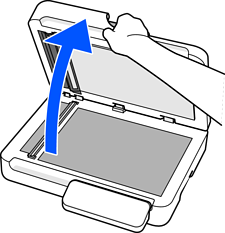
Open the document cover.
Prepare a soft, dry cloth.

Wipe off any stains on the scanner glass.
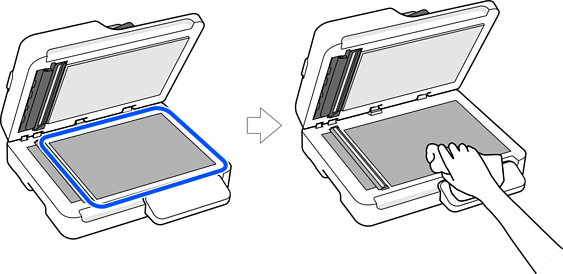
Do not place too much force on the glass surface.
Do not use a brush or a hard tool. Any scratches on the glass may affect the scan quality.
If the glass surface is stained with grease or some other hard-to-remove material, use a small amount of glass cleaner on a soft cloth to remove it. After removing the stains, wipe thoroughly to ensure no moisture remains.
Do not use the Epson cleaning kit to clean the scanner glass.
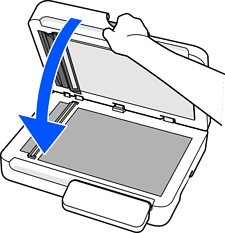
Close the document cover.