
You can scan both sides of an ID card and save the scans as a single image.

This feature is available from the scanner's control panel. Set ID Card to On in the Scan Settings of one of the following menus, depending on your scanning method.
Network Folder/FTP
Cloud
USB Drive
This feature cannot be used in the following cases:
When scanning from a computer
When Computer is selected on the scanner's control panel
Open the document cover.

Place the front side of the ID card face-down and at least 6 mm (0.24 in.) away from the corner.
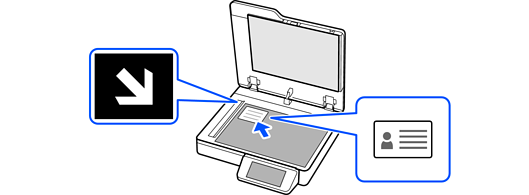
Close the document cover gently so that your original does not move.
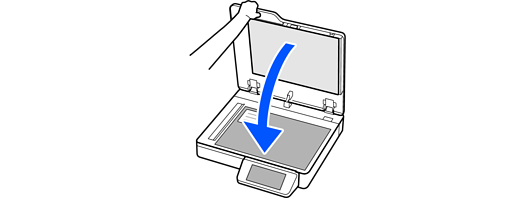
Tap  to start scanning.

After scanning the front side, open the document cover.
Place the back side of the ID card face-down and at least 6 mm (0.24 in.) away from the corner.
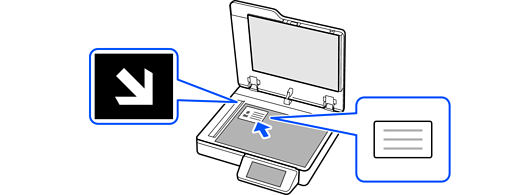
Close the document cover gently so that your original does not move.
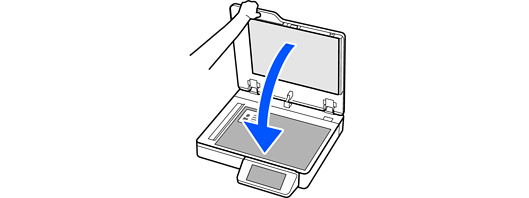
Tap Start Scanning to start scanning the back.
After scanning the back, tap Last Original to save the image.