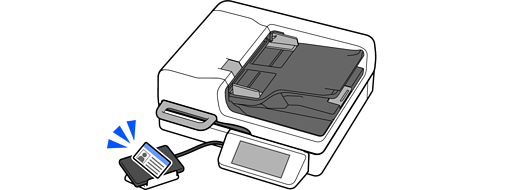
An authentication device is used when using an authentication system.
When you connect the authentication device to multiple scanners, use a product with the same model number.
Connect the card reader’s USB cable to the external interface USB port on the scanner.

You can also place the authentication device on the supplied authentication device stand.