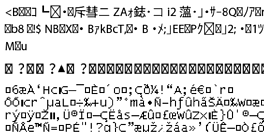
The computer has been manually put into Hibernate or Sleep mode while printing.
Solutions
Do not put the computer manually into Hibernate or Sleep mode while printing. Pages of garbled text may be printed the next time you start the computer.
You are using the wrong printer driver.
Solutions
Make sure the printer driver you are using is for this printer. Check the printer name on the top of the printer driver window.