Epson
 

    EM-C8101 Series

    User's Guide

    > Copying > Available Copying Methods

    Available Copying Methods

    Place the originals on the scanner glass or the ADF, and then select the Copy menu on the home screen.

    •  Image
    •  List
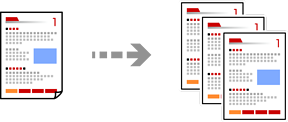
    • Copying Originals

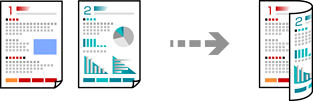
    • Copying on 2-Sides

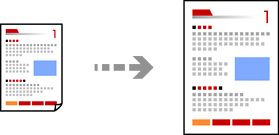
    • Copying by Enlarging or Reducing

    • Copying Multiple Originals onto One Sheet
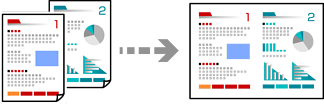
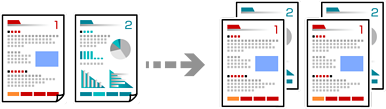
    • Copying in Page Order

    • Copying Originals Without Shadows or Punched Holes

    • Copying the Front and Back of an ID Card onto One Side of Paper

    • Copying Two Facing Pages onto Separate Sheets of Paper

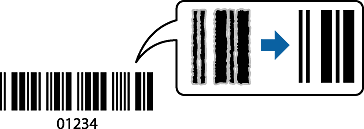
    • Copying Bar Codes Clearly

    • Copying Originals for Creating Booklets

    • Erasing Red Characters when Copying

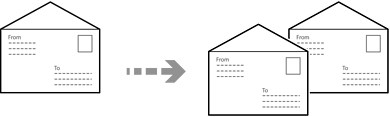
    • Copying Envelopes

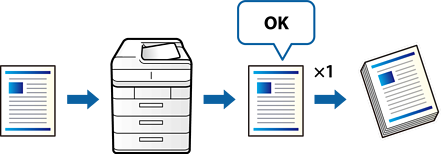
    • Proof Copying

    • Interrupting and Copying

    • Copying Originals

    • Copying on 2-Sides

    • Copying by Enlarging or Reducing

    • Copying Multiple Originals onto One Sheet

    • Copying in Page Order

    • Copying Originals Without Shadows or Punched Holes

    • Copying the Front and Back of an ID Card onto One Side of Paper

    • Copying Two Facing Pages onto Separate Sheets of Paper

    • Copying Bar Codes Clearly

    • Copying Originals for Creating Booklets

    • Erasing Red Characters when Copying

    • Copying Envelopes

    • Proof Copying

    • Interrupting and Copying

    Print Selected Pages

    © 2024-2025 Seiko Epson Corp.