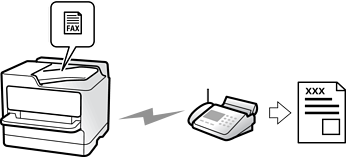
Sending automatically
When you scan an original by tapping  (Send), the printer dials the recipients and sends the fax.
Sending manually
When you perform a manual check on the line connection by dialing the recipient, tap (Send) to start sending a fax directly.
You can select items such as Resolution or Original Size (Glass) when sending faxes.
You can use Fax Send Settings such as Direct Send (to send a large document stably) or Backup when normal sending fails. If you make settings to back up sent faxes when sending a fax but the backup fails, the printer can send an email notification automatically when the backup is performed.