 button to update the list. If it is still not displayed, select Enter Manually, and then enter the SSID directly.
1
Select  on the printer’s home screen.
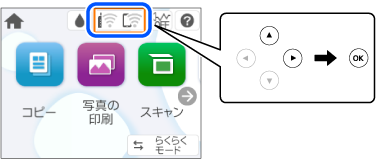
2 Select Wi-Fi.
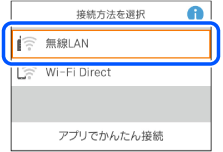
3 Press the OK button.
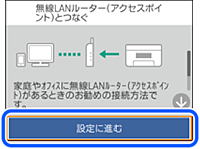
4 Select Wi-Fi Setup Wizard.
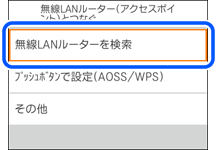
5 Select the SSID for the wireless router from printer’s control panel, and then press the OK button.
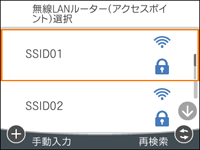 button to update the list. If it is still not displayed, select Enter Manually, and then enter the SSID directly.
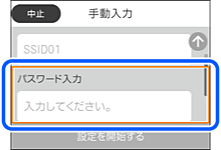
6 Select the Enter Password field on this screen.
Note: |
|
If you entered an SSID manually, first set Password to Available then select the Enter Password field.
|
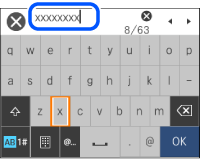
7 Enter the password.
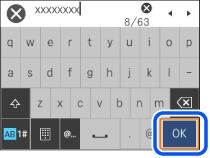
8 When you have finished, select OK.
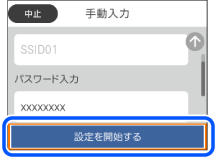
9 Verify your settings and select Start Setup.
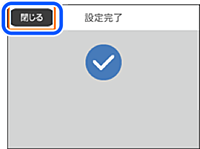
10 Select Close.
11
Press the  button.