1
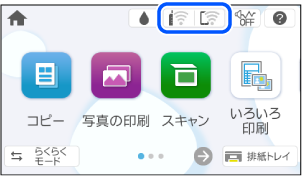
Select  on the printer’s home screen.
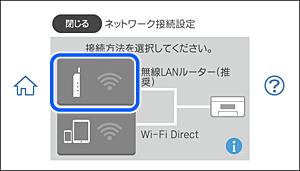
2 Select Wi-Fi (Recommended).
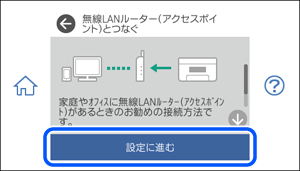
3 Select Start Setup.
4 Select Wi-Fi Setup Wizard.
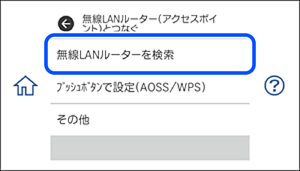
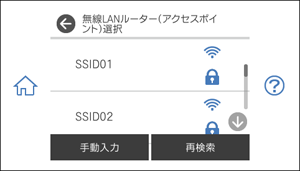
5 Tap the SSID for the wireless router that you want to connect to.
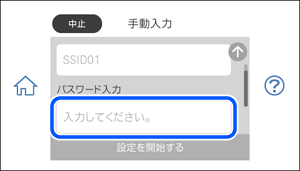
6 Select the Enter Password field on this screen.
Note: |
|
If you entered an SSID manually, first set Password to Available then select the Enter Password field.
|
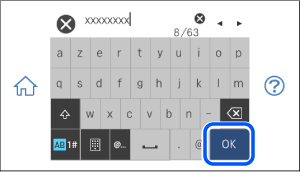
7 Enter the password.
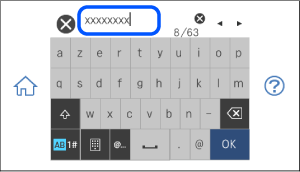
8 When you have finished, select OK.
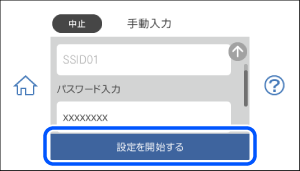
9 Verify your settings and select Start Setup.
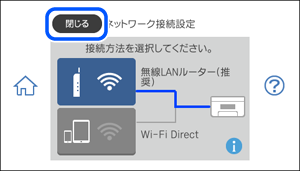
10 Select Close.
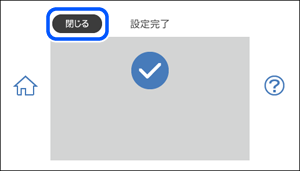
11 Select Close.