Placing Plastic Cards
-
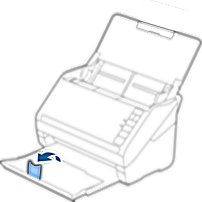
Slide out the output tray and raise the stopper.
-
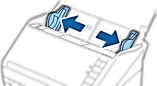
Slide the edge guides on the input tray all the way out.
-
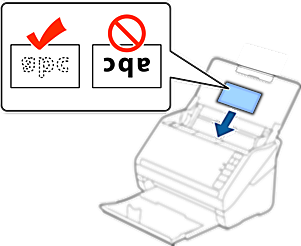
Load the plastic cards into the input tray facing down with the top edge facing into the ADF.
Slide the plastic cards into the ADF until they meet resistance.
 Important:
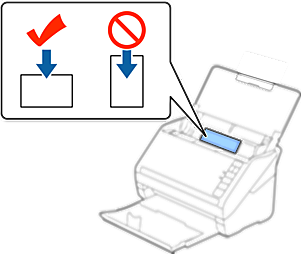
Do not load plastic cards vertically.
-
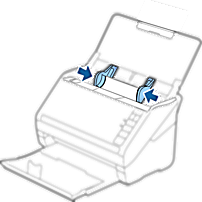
Slide the edge guides to fit the edge of the plastic cards.
 Note:
Note:To scan plastic cards, set the appropriate setting in the Epson Scan 2 window. When you are using Document Capture Pro, you can open the window by pressing the Detailed Settings button on the Scan Settings screen.
Select Plastic Card (Landscape) in Document Size or select Off in Detect Double Feed on the Main Settings tab in Epson Scan 2. See the Epson Scan 2 help for details.