
You can register frequently used scanning setting as Presets. You can register up to 48 presets.
You can register the current settings by selecting  on the start scanning screen.
You can also register Presets in Web Config.
Select the Scan tab > Presets.
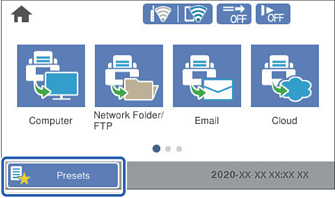
Select Presets on the home screen on the scanner's control panel.
Select  .
.
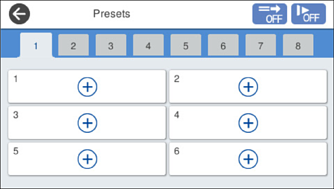
Select the menu you want to use to register a preset.
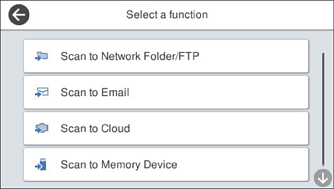
Set each item, and then select  .
.
Make the preset settings.
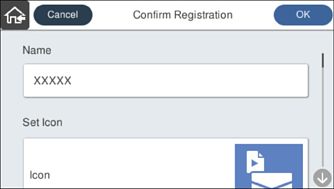
Select OK.