1 Run Epson Smart Panel.

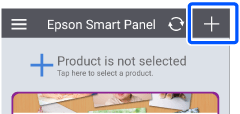
2 Tap + in the home screen.
Note: |
|
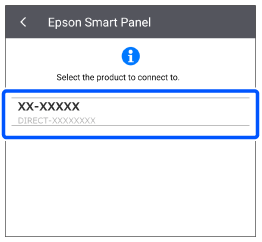
When you run Epson Smart Panel for the first time, any available products are displayed automatically. Tap the printer you want to use to make it available in the app.
|
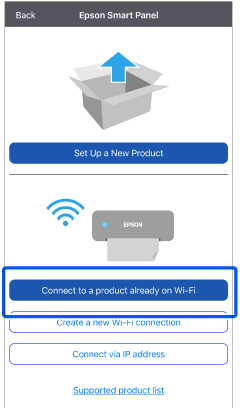
3 Tap Connect to a product already on Wi-Fi.
4 Select your printer.