Solutions
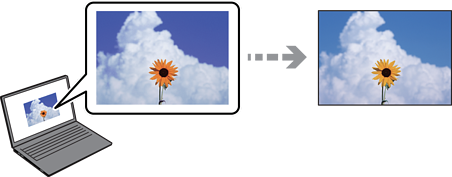
Display devices such as computer screens have their own display properties. If the display is unbalanced, the image is not displayed with proper brightness and colors. Adjust the properties of the display device, then perform the following.
Windows
Access the printer driver window, select Custom as the Color Correction setting on the More Options tab, and then click Advanced. Select EPSON Standard as the Color Mode setting.
Mac OS
Access the print dialog. Select Color Options from the pop-up menu, and then click the arrow next to Advanced Settings. Select EPSON Standard as the Mode setting.
Solutions
Avoid direct sunlight and view the image in an environment where the appropriate lighting is assured.
Solutions
Colors may differ from what you see on mobile devices with high-resolution displays.
Solutions
Colors on a display are not quite identical to those on paper because the display device and the printer have a different process of producing colors. Adjust the color properties so that the colors match more closely.