
You can print to fit the paper size you loaded in the printer.
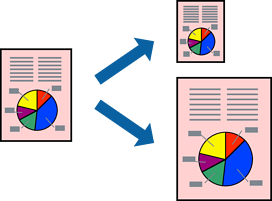
This feature is not available with borderless printing.
Access the printer driver, and then select the following settings.
On the More Options tab, select Output Paper, then select the size of the loaded paper.