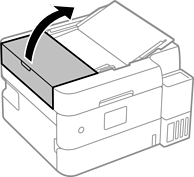
Open the ADF cover.
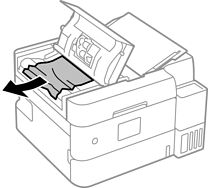
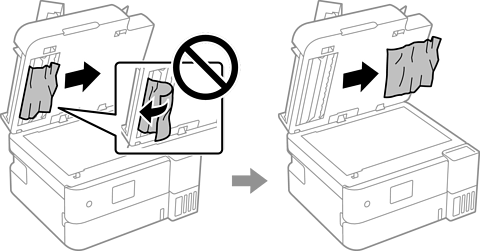
Remove the jammed paper.
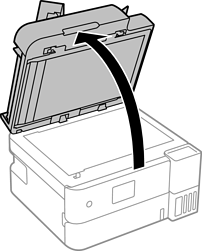
Open the document cover.
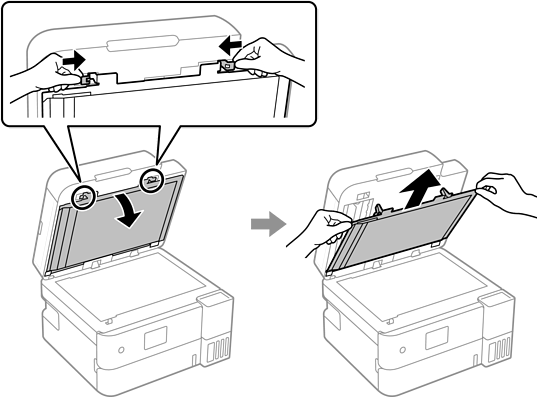
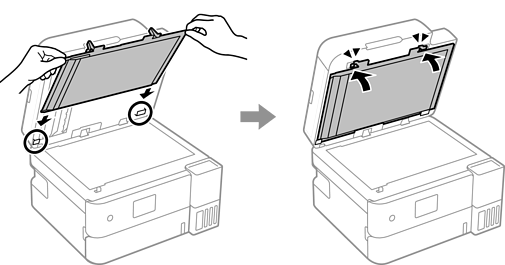
Release both tabs and remove the document mat.
Reattach the document mat.
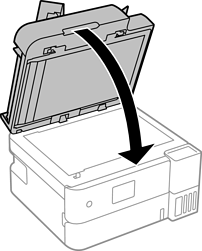
Close the document cover.
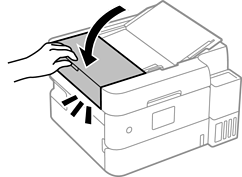
Close the ADF cover until it clicks.