
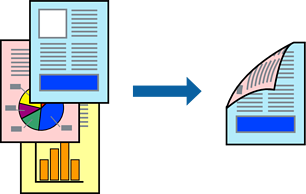
The printer driver will automatically print odd pages and even pages separately. When the odd pages have been printed, turn over the paper according to the instructions in the printer driver to print the even pages.
This feature is not available for borderless printing.
Access the printer driver, and then select the following settings.
Main tab > 2-Sided Printing