
If you create your own preset for frequently used print settings in the printer driver, you can print easily by selecting the preset from the list.
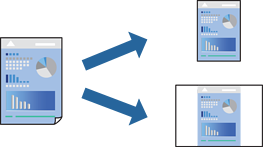
On the printer driver's Main or More Options tab, select the settings you want to include in the preset (such as Document Size and Paper Type).
Click Add/Remove Presets in Printing Presets.
Enter a Name and, if necessary, enter a comment.
Click Save.
To delete an added preset, click Add/Remove Presets, select the preset name you want to delete from the list, and then delete it.
Click Print.
The next time you want to print using the same settings, select the registered setting name from Printing Presets, and click OK.