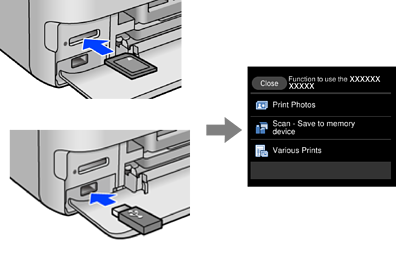
The printer automatically displays menus appropriate to your operation. If you want to stop the feature, disable the Auto Selection Mode setting.
Settings > Guide Functions > Auto Selection Mode
Insert an external memory device such as a memory card or a USB device.