
If the printer is connected to the phone line and basic settings have been completed using the Fax Setting Wizard, you can receive faxes.
There are two ways of receiving faxes.
Receiving an incoming fax
Receiving a fax by making a call (Polling Receive)
Received faxes are printed in the printer's initial settings.
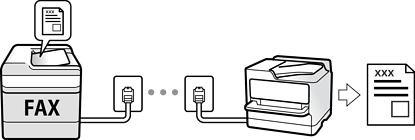
You can save received faxes, check them on the printer screen, and forward them.
To check the status of the fax settings, you can print a Fax Settings List by selecting Fax >  (More) > Fax Report > Fax Settings List.