
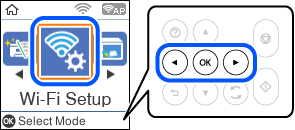
1 Select Wi-Fi Setup on the home screen.
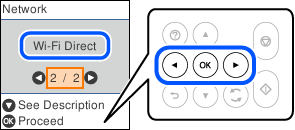
2 Select Wi-Fi Direct.
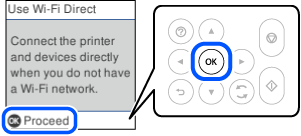
3 Press the OK button.
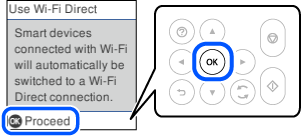
4 Press the OK button.
5
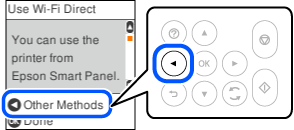
Press the  button.
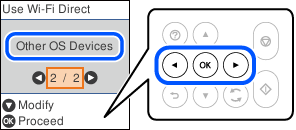
6 Select Other OS Devices.
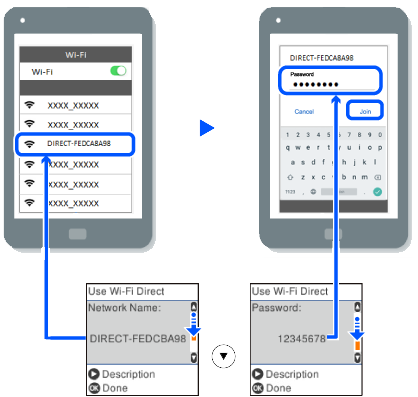
7 On the smart device’s Wi-Fi screen, select the SSID shown on the printer’s control panel, and then enter the password.
8 Press the OK button.