
Align the edges of the originals.
Open the ADF input tray.
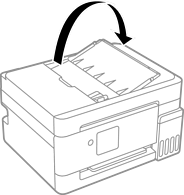
Slide out the ADF edge guide.
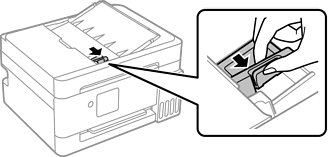
Place the originals face-up and short edge first, and then slide the ADF edge guide to the edges of the originals.
When originals are placed in the ADF and on the scanner glass, priority is given to the originals in the ADF. Make sure the original on the scanner glass is placed in the correct position, or you may not be able to scan from the ADF.
Placing Originals on the Scanner Glass
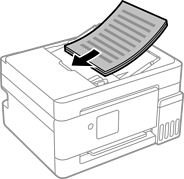
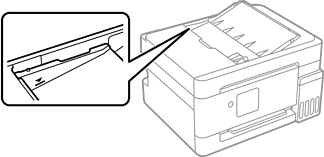
Do not load originals above the line indicated by the triangle symbol on the ADF.
Do not add originals while scanning.