
1
Select  on the printer’s home screen.
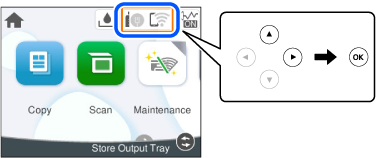
2 Select Wi-Fi Direct.
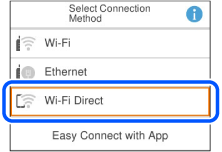
3 Select Start Setup.
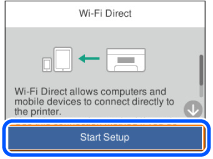
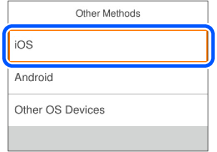
4 Select Other Methods.
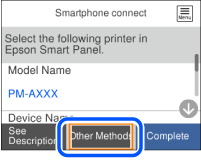
5 Select iOS.
6 On your iPhone, iPad or iPod touch, start the standard Camera app, and then scan the QR code displayed on the printer's control panel in PHOTO mode.
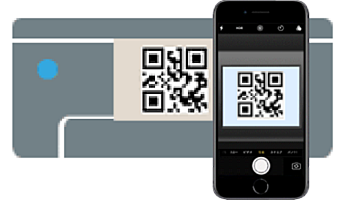
7 Tap the connect information displayed on the screen of the iPhone, iPad, or iPod touch.
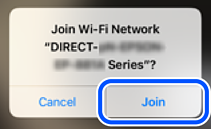
8 Tap Join.
9 Follow the instructions on the printer’s control panel to complete the connection settings.
10 Switch from the standard camera app and start the Epson printing app.
