
You can save the scanned image to an external USB device.
Place the originals.
Insert a memory device into the printer.
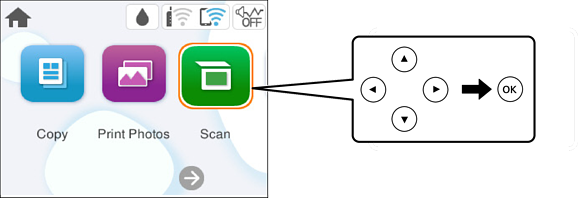
Select Scan on the control panel.
To select an item, use the 


 buttons, and then press the OK button.
Select Memory Device.
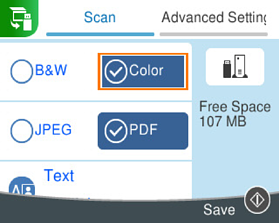
Set items on Scan tab, such as the save format.
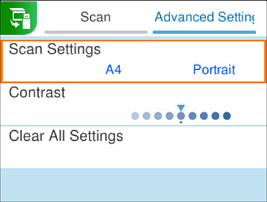
Select Advanced Settings tab, and then check settings, and change them if necessary.
Select Scan tab again, and then press the  button.
Scanned images are saved in the "001" to "999" folders in "EPSCAN" folder.
The color, size, and border of the scanned image will not be exactly the same as the original.