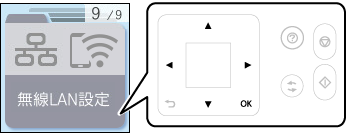
1 Select Wi-Fi Setup on the home screen.
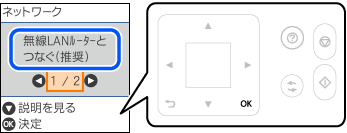
2 Select Wi-Fi (Recommended).
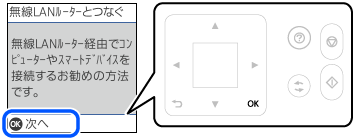
3 Press the OK button.
4 Select Push Button (WPS).
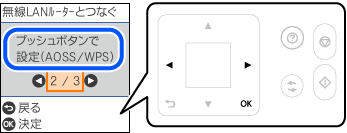
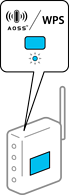
5 Hold down the [WPS] button on the wireless router until the security light flashes.
6 Press the OK button on the printer’s control panel.
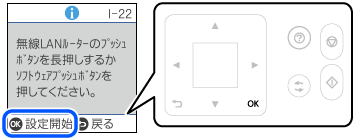
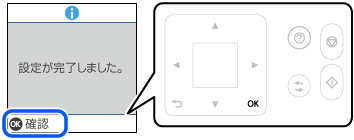
7 Press the OK button.