
Epson Print Layout 應用程式可讓您用幾個簡單的步驟,列印經修飾或處理的相片。這也可以作為 Adobe Photoshop、Adobe Lightroom、Nikon ViewNX-i 和 SILKYPIX 的外掛程式使用。如需支援應用程式與資料格式的詳細資訊,請參閱 Epson Print Layout 手冊。
您可從 Epson 網站下載 Epson Print Layout。您還可以使用 EPSON Software Updater 安裝它。
您可從 App Store 下載 iPad/iPhone 版的 Epson Print Layout 手冊。
|
|
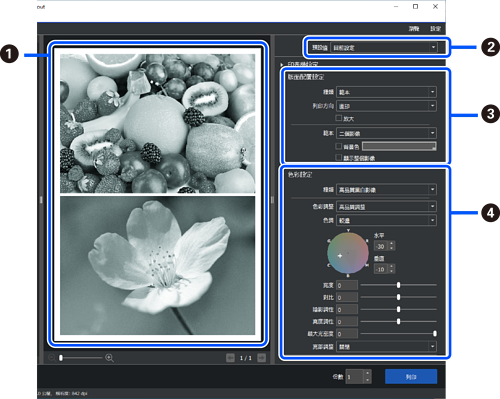
列印前,使用選取的設定來檢查列印結果。 |
|
|
儲存最愛的列印設定,以便重複使用。 |
|
|
設定列印版面配置。 您也可以選取多個相片範本和特殊版面配置。 範本  全景  無框畫 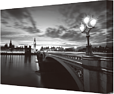 |
|
|
選取色彩管理方式或進階黑白相片列印模式。 |


