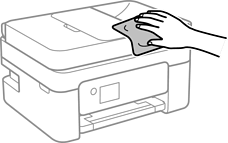
If the components and the case are dirty or dusty, turn off the printer and clean them using a soft, clean cloth that has been dampened with water. If you cannot remove the dirt, try adding a small amount of mild detergent to the damp cloth.
Be careful not to get water onto the printer mechanism or any electrical components. Otherwise, the printer could be damaged.
Never use alcohol or thinner to clean the printer. These chemicals can damage the printer.
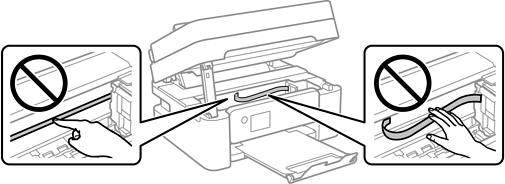
Do not touch the parts shown in the following illustration. Doing so may cause a malfunction.