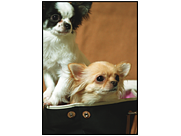
The Edges of the Image are Cropped During Borderless Printing
Because the image is slightly enlarged, the area beyond the paper size boundaries is cropped.
Solutions
Select a smaller enlargement setting.
Windows
Click Settings next to the Borderless checkbox on the printer driver's Main tab, and then change the setting.
Mac OS
Change the Expansion setting from the print dialog's Print Settings menu.
Aspect ratios of the image data and paper size are different.
Solutions
If the aspect ratios of the image data and paper size are different, the long side of the image is cropped if it extends beyond the long side of the paper.