
If you no longer need to use a Wi-Fi (wireless LAN) connection with your printer, you can disable it.
By removing unnecessary Wi-Fi signals, you can also reduce the load on your standby power.
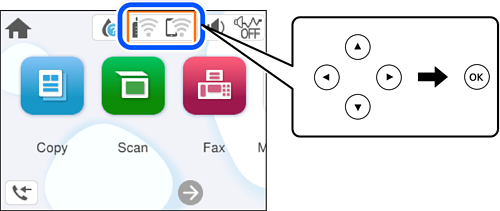
Select  on the printer's home screen.
To select an item, use the 


 buttons, and then press the OK button.
Select Wi-Fi (Recommended).
Select Change Settings.
Select Others.
Select Disable Wi-Fi.
Follow the on-screen instructions.