
If you set up to save received faxes in the printer, you can view the contents and print as necessary.
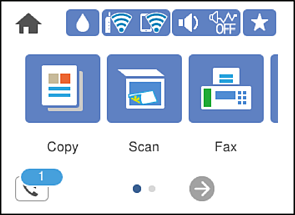
Tap  on the home screen.
When there are received faxes that have not been read, the number of unread documents is displayed on the on the home screen.
Tap Open Inbox (XX Unread).
If the inbox has been password protected, enter the inbox password.
Select the fax you want to view from the list.
The contents of the fax are displayed.


 : Moves the screen in the direction of the arrows.

 : Reduces or enlarges.
 : Rotates the image to the right by 90 degrees.

 : Moves to the previous or the next page.
Select whether to print or delete the document you have viewed, and then follow the on-screen instructions.
If the printer runs out of memory, receiving and sending faxes is disabled. Delete documents that you have already read or printed.