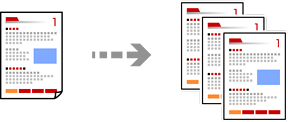
This section explains the steps for copying originals in color or monochrome.
Load paper in the printer.
Loading Paper Using Instructions on the LCD screen
Place the originals.
Placing Originals
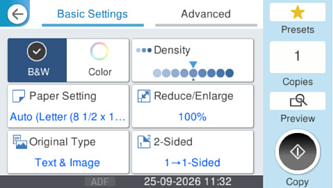
Select Copy on the home screen.
Select the Basic Settings tab, and then select B&W or Color.
Tap .

 .
.