
If you register the paper size and type on the screen when you load paper, the printer informs you when the registered information and print settings differ. This prevents you from wasting paper and ink by making sure you are not printing on the wrong paper size or seeing unexpected colors due to using settings that do not match the paper type.
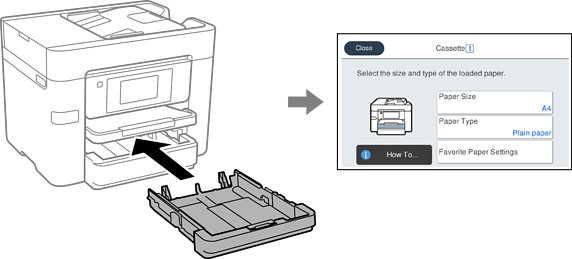
If the displayed paper size and type differ from the loaded paper, select the item to change. If the settings match the loaded paper, close the screen.
You can also display the paper size and paper type settings screen by selecting Settings > General Settings > Printer Settings > Paper Source Settings > Paper Setting.