
You can also load paper by referring to the animated instructions displayed on the printer's LCD screen.
Select  , and then select How To > Load paper.
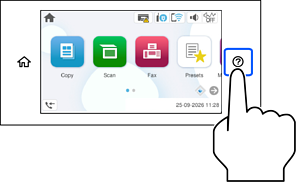
Select the paper type and paper source you want to use, and then view the animated instructions.
If you want to stop viewing the animation, close the screen.