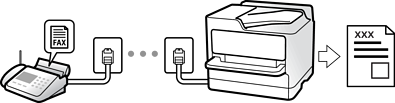
Manual
Mainly for phone calls, but also for faxing
Usage of Manual Mode
Auto
- Only for faxing (external phone device is not required)
- Mainly for faxing, and sometimes phoning
Usage of Auto Mode
You can receive faxes by using an external phone device.
Remote Receive:
Selecting Settings When You Connect a Phone Device
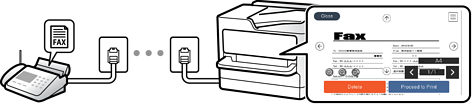
Received faxes are printed by default. You can select settings to save received faxes to the inbox and/or an external memory device. If you save in the inbox, you can check the contents on the screen.
Fax Output Settings
Menu Options for Inbox
Viewing Received Faxes on the Printer's LCD Screen