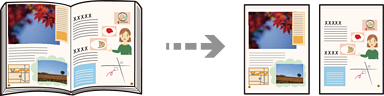
Copies two facing pages of a book and so on onto separate sheets of paper.
Place the original on the scanner glass.
Placing Originals
Select Copy on the home screen.
Select the Advanced Settings tab, select Book →2Pages, and then enable the setting.
Specify Scan Order.
Tap on the Copy tab.

 on the