
You can reduce or enlarge the size of a document by a specific percentage.
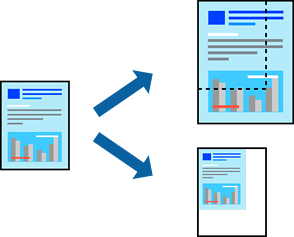
When printing to fit to the paper size, select Paper Handling from the pop-up menu, and then select Scale to fit paper size.
Select the paper size you loaded in the printer in Destination Paper Size.
When reducing the size of the document, select Scale down only.
When printing at a specific percentage, select Print or Page Setup from the File menu of the application.
Select Printer, Paper Size, enter the percentage in Scale, and then click OK.
Select the paper size you set in the application as the Paper Size setting.