
Do not load paper in the rear paper feed slot until you send the print data. Doing so will result in the blank paper being ejected.
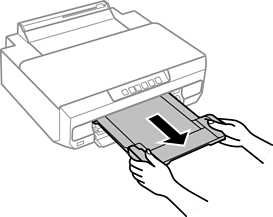
Slide out the output tray.
Open the rear paper feed slot cover.
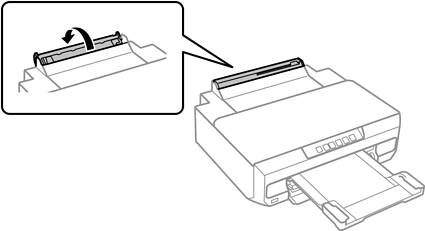
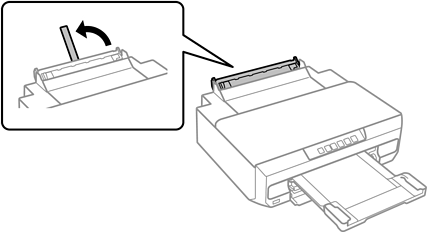
Raise the paper support.
Send print data from the computer.
Make sure you select Rear Paper Feed Slot as the Paper Source in print settings.
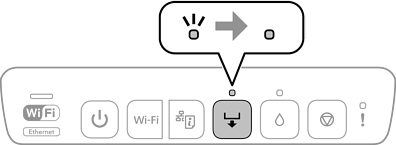
Wait until the  light on the control panel changes from flashing to lit.
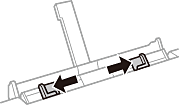
Slide out the edge guides.
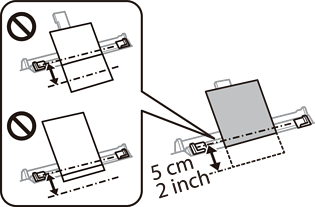
Load a single sheet of paper at the center of the rear paper feed slot with the printable side facing up, and then insert it approximately 5 cm into the printer.
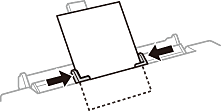
Slide the edge guides to the edges of the paper.
Press the
button to start printing.