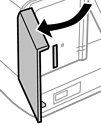
Open the cover.
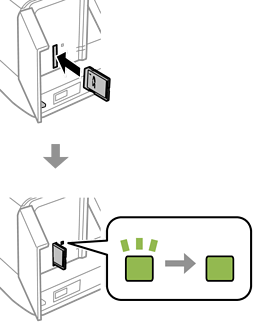
Insert a memory card into the printer.
The printer starts reading the data and the light flashes. When reading is complete, the light stops flashing and remains on.
Insert a memory card straight into the printer.
The card should not be fully inserted. Do not try to force it all the way into the slot.