
This section explains the steps for copying originals in color or monochrome.
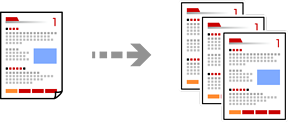
Load paper in the printer.
Place the originals.
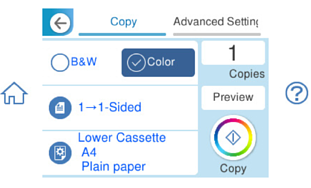
Select Copy on the home screen.
Select the Copy tab, and then select B&W or Color.
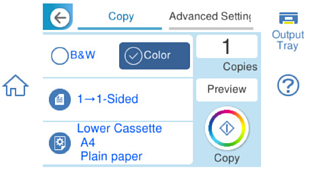
When the output tray is extended, the Output Tray icon is displayed at the top right. Check that there is no paper on the tray, and then tap the icon to close the output tray. This is not limited to copying, but also applies to the display of other functions on the menu.
Set the number of copies as necessary.
Tap  .
.