
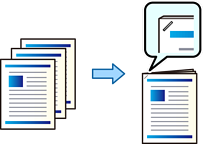
You can print files from storage and staple them.
This feature is available with the optional finisher.
Select Storage on the home screen.
Select the folder containing the file you want to print, and then select the file.
Select Print Settings.
Select the Basic Settings tab, and then select Finishing.
Select the location in Staple.
Tap  .
.