
This gives instructions for logging in to the printer with the panel lock and access control features enabled and when one or more users are registered. The content displayed on the screens varies depending on the model and situation, and region.
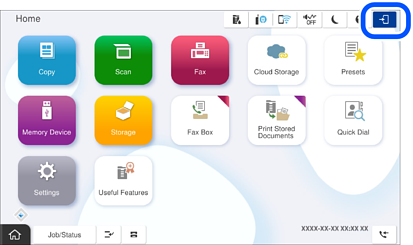
Select  on the printer's control panel.
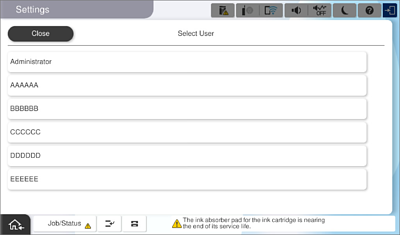
Select a user.
Enter the password to log in to the printer.
Contact your printer administrator for login information. See the related information below for more details.
Registered users can use the printer with the features that are authorized. If you log in as an administrator, you can configure settings from the control panel.
When you have finished using the printer, select  to logout.