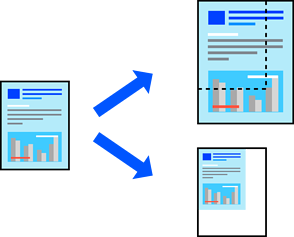
Printing a Reduced or Enlarged Document at any Magnification
You can reduce or enlarge the size of a document by a specific percentage.
Note:
Operations differ depending on the application. See the application's help for details.
Do one of the following:
Select Print from the File menu of the application. Select your printer in Printer. Select the size of the data to be printed from Paper Size, enter a percentage in the application's scaling settings, and then click OK.
Select Page Setup from the File menu of the application. Select your printer in Format For. Select the size of the data to be printed from Paper Size, enter a percentage in Scaling, and then click OK.