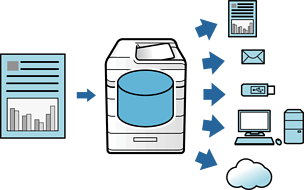
Tips on Usage
Printing Multiple Files Together
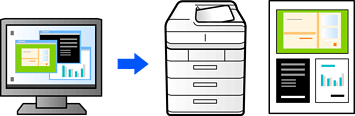
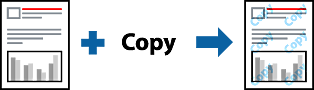
Printing an Anti-Copy Pattern
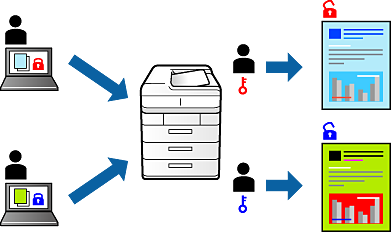
Printing Password-Protected Files
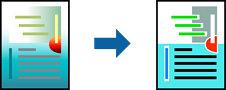
Printing Using the Color Universal Print Feature
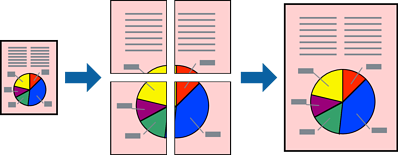
Printing One Image on Multiple Sheets for Enlargement (Creating a Poster)
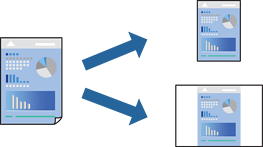
Adding Printing Presets for Easy Printing
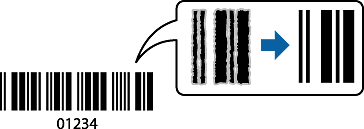
Printing Clear Bar Codes
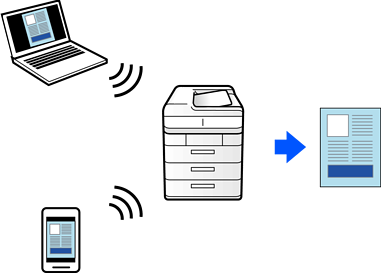
Printing Documents Using AirPrint
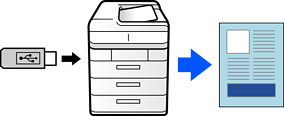
Printing PDF Files from a Memory Device
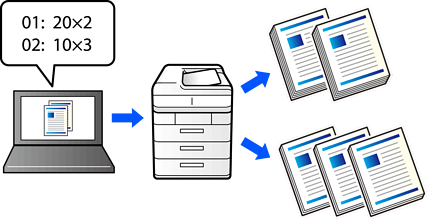
Printing Using Saved Groups (Computer) (Windows only)
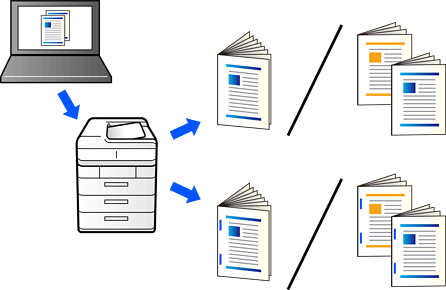
Printing, Binding, and Sorting
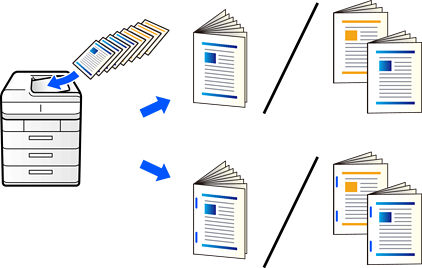
Copying by Creating Booklets or Sorting
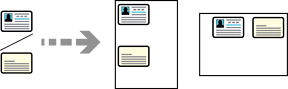
Copying the Front and Back of an ID Card onto One Side of Paper
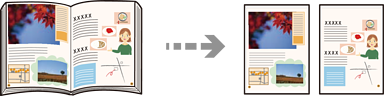
Copying Two Facing Pages onto Separate Sheets of Paper
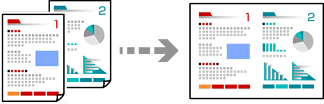
Copying Multiple Originals onto One Sheet
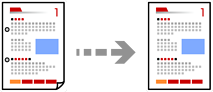
Copying Originals Without Shadows or Punched Holes
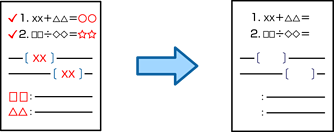
Erasing Red Characters when Copying
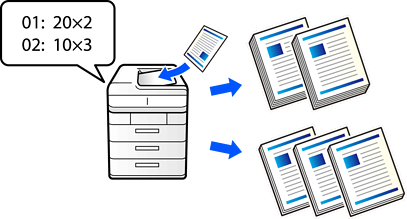
Copying Using Saved Groups
Scanning Originals to a Network Folder
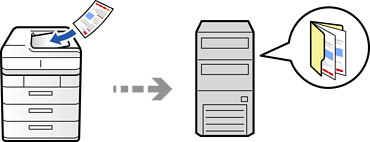
Scanning Originals to an Email
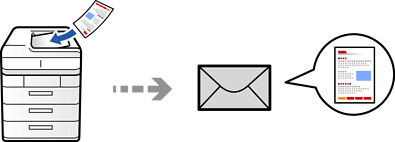
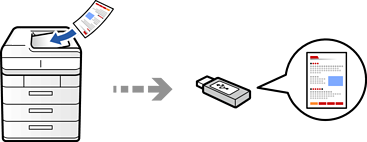
Scanning Originals to a Memory Device
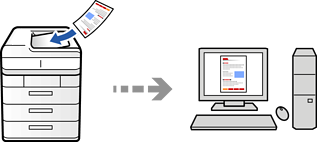
Scanning Originals to a Computer
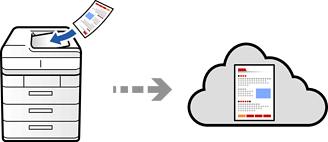
Scanning Originals to the Cloud
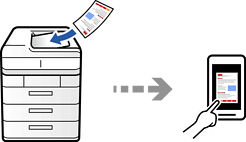
Scanning Originals to a Smart Device
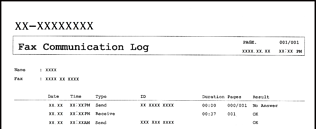
Features: Various Fax Reports
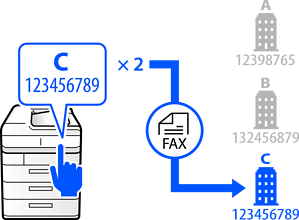
Direct Dialing Restrictions:
Selecting Settings for Blocking Junk Faxes

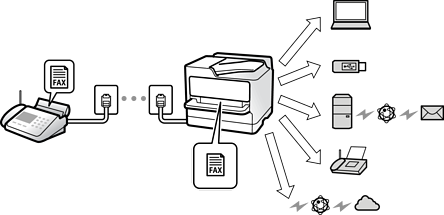
Setting the Printout Destination when Receiving Faxes
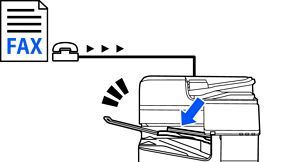
Forwarding Settings to Receive Faxes
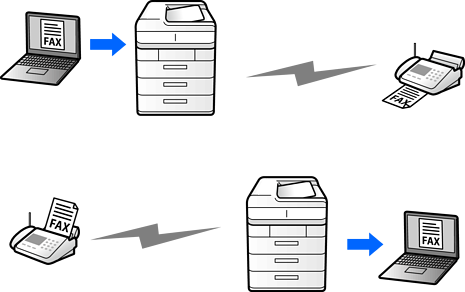
Feature: PC-FAX Send/Receive (Windows/Mac OS)
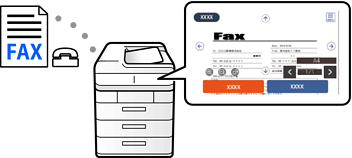
Viewing Received Faxes on the Printer's LCD Screen
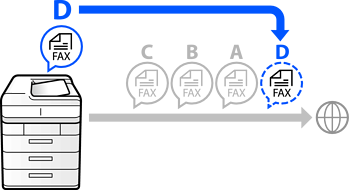
Interrupting and Sending a Fax (Priority Send)
Contacts Registration
Using Storage