
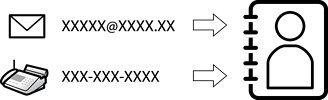
Registering destinations in the printer's contacts list allows you to easily enter the destination when scanning or sending faxes.
You can register the following types of destinations in the contacts list. You can register up to 2,000 entries.
|
Fax |
Destination for fax |
|
Internet Fax |
Internet fax destinations When sending internet faxes through an SMTP server, you need to make send and receive server settings. |
|
|
Email and internet fax destinations |
|
Network Folder (SMB) |
Destination for scan data and fax forwarding data Device authentication with Microsoft 365 or Google Workspace is required when using cloud storage integration. |
|
Network Folder/FTP |
|
|
SharePoint(WebDAV) |
|
|
Shared folders in your cloud storage:
|